A map of where the time goes
One workflow, looked at end to end, with the first fix worth paying for.
 Perseid Echo
Book a call
Workflow automation
The copy-paste, the reminders, the follow-ups, the re-typing between tools. I map where your hours go, then connect the tools you already have so the work moves on its own.
The real thing
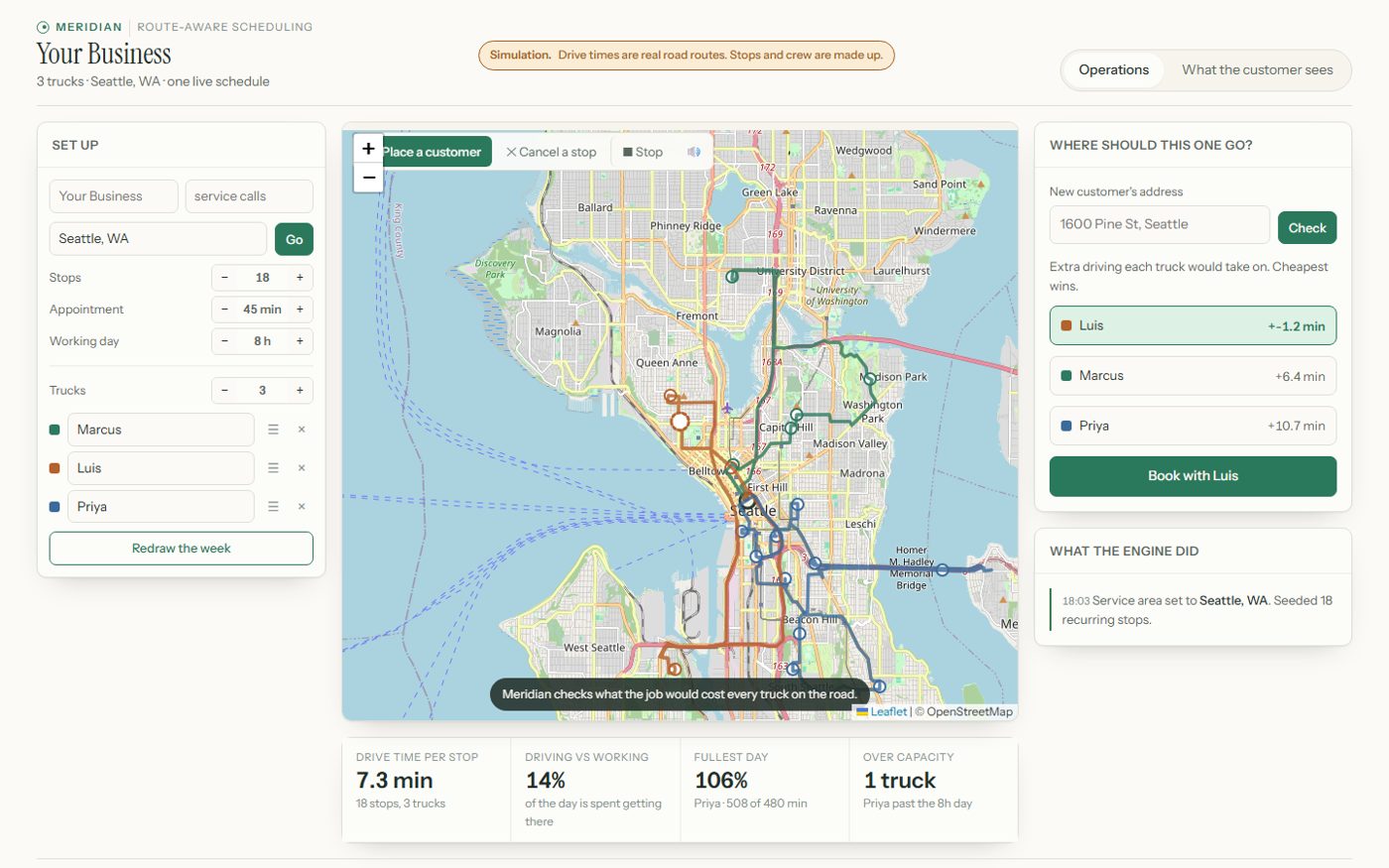
Place a new customer and it re-plans the day for three trucks, using real road routes. A simulation I built to show the idea. The stops and crew are made up.
Try the live demo →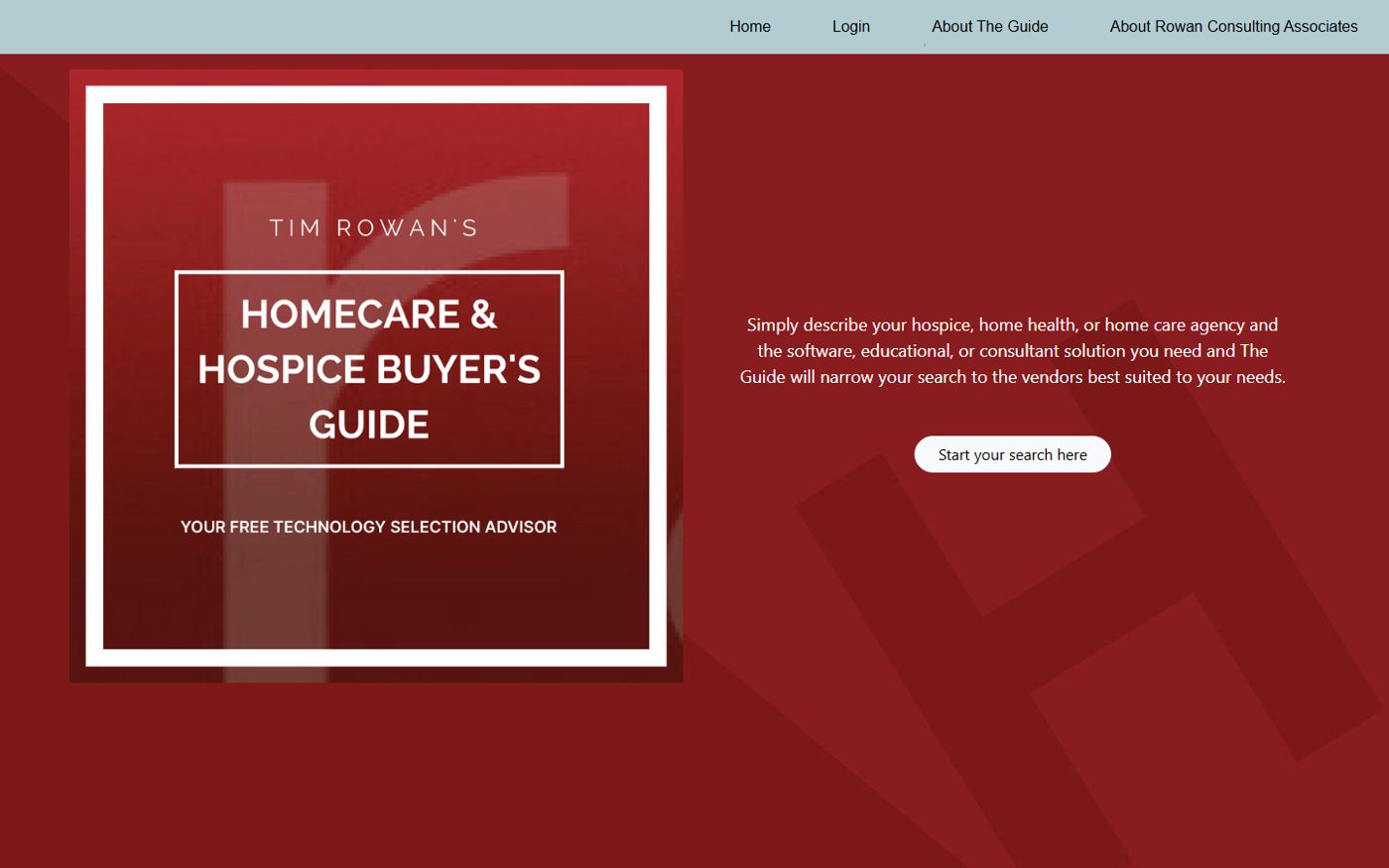
The public guide is the client's own. I built what runs behind it: vendor invitations, sign-up tracking and payment collection.
Visit the guide →One workflow, looked at end to end, with the first fix worth paying for.
Your calendar, CRM, invoicing and email, connected instead of replaced.
Handed over with training, so nothing is a mystery.
Run it yourself, or keep me on to watch it and fix it.
A one-minute check on whether this is worth your money.
$750, credited toward a build signed within 30 days.
Builds start at $2,500. Most land between $3,500 and $9,000.
Proof from the floor
Figures describe documented scope, not a forecast of your results.
Work order 04
Client project, family client, quoted with permission
Built the vendor invitation emails, sign-up tracking and payment collection for a home care technology buyer's guide, and kept its pages and categories easy to change.
Work it takes off a person: Searching for updated contact emails and keeping track of bouncebacks and replies by hand.
Work order 02
Adapted CRM, historical build, not a client result
An adaptation of an existing CRM with sending controls, suppression, and a circuit breaker that pauses sending when thresholds are exceeded. The work focused on making routine actions visible and keeping exceptions with a person.
Work it takes off a person: Policing send windows and bounce rates by hand, and finding out about a burned domain from somebody else.
“Bryan took over and automated absolutely everything about the backend workings while leaving the customer-facing part intact. He saved me hours, perhaps weeks, of busy work. And now my service is ready to go, months sooner than I could have released it using my manual methods.”
Tim Rowan · Public 5-star Google review
Disclosure: Tim is my stepfather, which is how I got the job, and why he had no reason to be polite about it. The review is public on Google.

Who you are dealing with
I am Bryan. For more than 21 years, I worked across customer experience and operations: improving service journeys, shaping frontline procedures, helping teams support new products, and bringing different functions together to make change work.
The ones that repeat every week. Common starting points: quote follow-up, field paperwork to invoice, order intake from email, appointment reminders and client intake and documents. Each page gives an honest read on when to buy a tool and when to build. The first paid step is the Workflow Opportunity Map.
Usually not. The build works with the tools you already use.
The Map is $750 and is credited toward a build. Builds start at $2,500, and most land between $3,500 and $9,000.
Every build includes a bug-fix window after launch. After that, take the keys or keep me on to maintain it.
You own and control what is built for your business. You get the credentials, the configuration, the documentation, and a plain-English owner's guide: everything needed to run it or hand it to someone else.
Fair question. Everything is documented well enough for another competent person to pick it up, monitored so problems announce themselves instead of going quiet, and built on tools you can access without me.
Before anything is built, you get it in writing: what the work touches, which outside services process it, what is stored and for how long, and who has access. If any of that is not acceptable to you, we design around it or we do not build it.
One short call. You talk to the person who does the work.
Book a free 20-minute call