
The workbench
Start here. It takes about a minute.
Five questions about one recurring problem, how it affects customers, and the work it creates for your team. Get a starting point on your own screen, including when the answer is “do not automate this yet.”
Workflow Fit Check
Where the work comes from
A better experience starts with a clearer workflow.
Repeated questions, missed updates, and unclear handoffs are signs worth investigating. We look at the customer experience and the work behind it together, so the fix addresses the cause rather than adding another task.
-
“I haven’t heard back.”
Somebody stops what they are doing, finds the job, and writes the reply.
-
“What’s happening with my appointment?”
Somebody opens the schedule and reads it back down the phone.
-
“I already gave you that.”
Somebody types the same details in for the second time.
-
“Did you get my request?”
Somebody goes and checks by hand, then confirms that yes, it arrived.
The improvement might be clearer communication, a better handoff, a procedure people can follow, or a tool that removes a repeated step. We choose the first change, put it into practice, and agree how to check whether it helped.
How this goes
Four steps, and you can stop after any of them.
Start with one customer or operational problem. The first two steps are free. The paid Map gives you a plan you can act on, and any implementation is scoped separately.
-
The Fit Check
Five questions about the problem, its frequency, who handles it, and what happens when it slips. You get a preliminary read and a sensible next step without giving an email address.
Free 60 seconds. No account.
-
A 20-minute fit call
We talk through what customers and staff are running into, what it costs when the work breaks down, and whether I can help. If a smaller change or another specialist is the better answer, I will say so.
Free 20 minutes, with me.
-
The Workflow Opportunity Map
A fixed-fee review of one customer or operational workflow. We map the steps and handoffs, investigate the problem, and recommend a first improvement. It covers ownership, procedures, customer communication, team guidance, and tools where they fit. You keep the Map either way.
$750 Credited toward a build signed within 30 days.
-
Put the improvement into practice
A separately scoped implementation, from clearer procedures and team guidance to a workflow tool or automation. We test the change, document how it works, and prepare your team to use it. Software builds have the published starting price below.
from $2,500 Scoped from the map, never guessed.
Proof from the floor
Practical experience, put to work.
These examples show how I turn operational problems into practical workflows and tools. They include an internal tool from my customer experience work and projects developed with AI assistance. Figures describe their documented scope, not a forecast of your results.
-
Work order 01
Journey flow tool
Internal workflow tool · from my customer experience work
- ~20
- designers on the team
- Most
- adopted the tool
- One
- consistent journey format
Created a field-driven tool that turned structured journey inputs into leadership-ready flows. It removed repetitive PowerPoint formatting, from box alignment to text spacing, and was adopted by most of an approximately 20-person design team. What changed: designers could spend more time on the journey and cross-team decisions instead of recreating the presentation.
-
Work order 02
Heartwood
Adapted CRM · historical build, not a client result
- 216
- automated tests
- build gate
- at the documented checkpoint
An adaptation of an existing CRM with sending controls, suppression, and a circuit breaker that pauses sending when thresholds are exceeded. The documented build had 216 automated tests. The work focused on making routine actions visible and keeping exceptions with a person. Work it takes off a person: policing send windows and bounce rates by hand, and finding out about a burned domain from somebody else.
-
Work order 03
Content pipeline
Internal workflow · human approval before publication
- 4
- brands in the documented workflow
- every post
- human-approved
A shared production workflow for drafting copy, preparing imagery, and adapting content for different channels. A person reviews the work before publication. It shows how routine preparation and human judgement can work together. Work it takes off a person: writing every post from a blank page and reformatting it per platform. The yes stays human.
Ask on the call and I will tell you what I can about the client work.

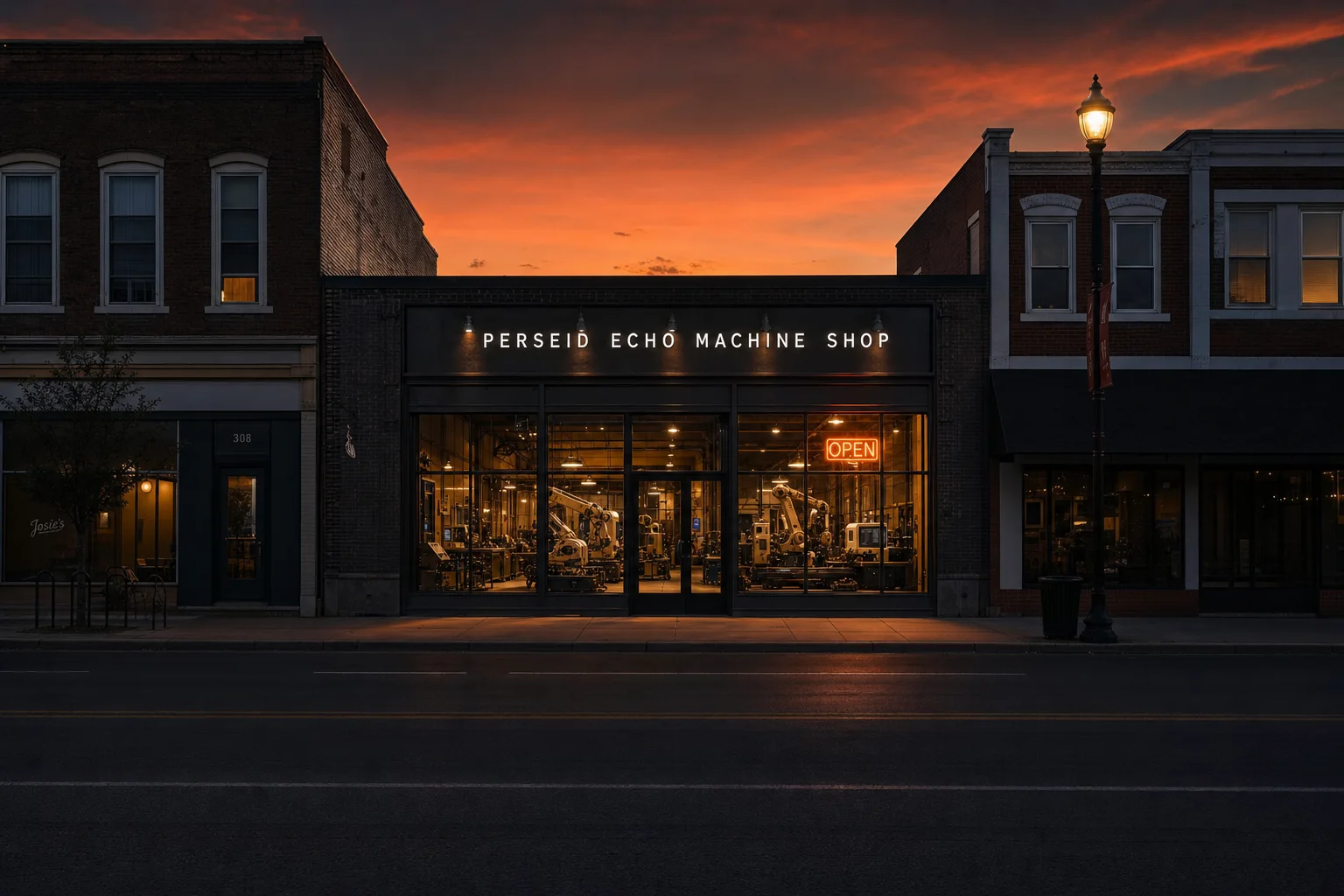
A machine cell on the shop floor — one arm working inside a lit enclosure, behind a closed barrier
Customer review
“I built a simple but efficient web site that was delayed for a year because my version required a lot of manual input. Bryan took over and automated absolutely everything about the backend workings while leaving the customer-facing part intact. He saved me hours, perhaps weeks, of busy work. And now my service is ready to go, months sooner than I could have released it using my manual methods.
Every step along the way, Bryan explained what he was doing and laid out my choices so I could understand them.”
Tim Rowan
Public 5-star Google review
Disclosure: Tim is my stepfather — which is how I got the job, and why he had no reason to be polite about it. The review is public on Google.
The entry product
What a Workflow Opportunity Map actually gets you.
You get a clear view of one workflow: what the customer experiences, how the team handles it, where it breaks, and which improvement deserves attention first. The Map is a fixed-fee working engagement with a written plan you can use.
You can act on the Map with your own team, take it to another specialist, or ask me to scope implementation. A process change, clearer guidance, or better customer communication may be enough. A software build is not required.
Workflow Opportunity Map
Contents · 11 sections
- How the work actually happens today, mapped step by step
- What the customer experiences at each step, and what that creates for you
- Where it breaks, stalls, or gets dropped, and the likely causes
- Ownership, handoffs, and escalation paths
- Procedures, customer messages, and guidance the team needs
- What should stay human, and where automation could safely help
- Tools, access, dependencies, and approval boundaries
- The recommended first fix, including whether a build is needed
- How we would measure whether it worked
- Implementation scope, a price range, and team adoption needs
- A phased roadmap for anything that comes after
Automation with boundaries
You decide
what runs on its own.
The fear is not really the technology. It is sending something embarrassing to a customer, or depending on a machine you cannot see inside.
So before anything gets built, we agree exactly what the system is allowed to do. Every meaningful action receives one of these three control settings, and you can change them later.
The point is not that nothing is automatic. It is that nothing gets authority by accident.
Whichever settings you choose, the system keeps a visible activity log, tells someone when a run fails, and has a pause switch that you control.
What it costs
Published, so you can rule me out without a call.
Start with the fixed-fee Map. Any implementation is scoped separately, whether the work is process guidance, team enablement, or a software build. The software prices below apply when a build is the right next step, with ongoing support optional.
-
Step 01 · start here
Workflow Opportunity Map
$750 credited toward a build signed within 30 days
One workflow. One recommended first fix. One decision-ready plan.
- A working session, not a sales meeting
- The full written map, yours to keep
- Implementation scope and price range
-
Step 02 · one-time build
The build
from $2,500 most land $3,500 to $9,000
Mapped, built, tested, documented, handed over with training and a post-launch bug-fix window.
- Built around the tools you already use
- Same price whether you take the keys or keep me on
- 50% up front, 50% at launch
-
Step 03 · after launch
However involved you want me
$0 from $750 from $2,000a month
Take the keys and run it yourself, keep me on to maintain it, or hand me the day-to-day running of it. Month to month, change or cancel whenever.
- Keys: you operate it yourself, training included
- Maintain: monitoring, fixes, tool-change adjustments
- Run: day-to-day operation and exception handling
Need to start smaller? When the workflow supports it, the build can be phased around one measurable first win.
Tool subscriptions, AI usage, hosting, and third-party platform costs are billed separately unless included in your proposal.

Who you are dealing with
One person, and he answers.
I am Bryan. For more than 21 years, I worked across customer experience and operations: improving service journeys, shaping frontline procedures, helping teams support new products, and bringing different functions together to make change work. I look at what the customer needs and what the team needs to deliver it.
Through PEC, I bring that experience to one practical problem at a time. We map the work, choose a useful first change, put it into practice, and check what happened. That can mean clearer ownership, better communication, team guidance, or AI-assisted tools and automation. You work directly with me throughout.
- You work directly with me, from understanding the problem to putting the change into practice.
- You get clear documentation, agreed responsibilities, and guidance your team can use. Systems are built for handover.
- We agree how to judge the improvement before implementation, so progress means more than finishing a project.
- If a clearer message, a step removed, or better ownership is enough, that is the recommendation you get.
Coaches, consultants, and fractional operators
Already advising the client?
Let’s put the change into practice.
01
Refer it
02
Work alongside me
03
Bring implementation into your own offer
We agree the workflow, responsibilities, and scope before anything is quoted to your client.
Straight answers
The questions owners actually ask.
What if the fix does not need new software?
Then we focus on the process, ownership, customer communication, or team guidance that needs to change. The Map is useful whether or not a build follows. If it is already clear on the free call that a simple change is enough, I will say so before you spend the $750. Decisions that need human judgement stay with a person.
What happens to my data?
I will not tell you “it is completely safe,” because no honest systems person can promise that in one word. What I can do is tell you exactly where it goes.
Before anything gets built, you get it in writing: which data the system touches, which third-party services process it (hosting, AI providers, whatever tools you already use), what is stored and for how long, who has access, what is deliberately excluded, and what happens to the connection when we stop working together. If a piece of that is not acceptable to you, we design around it or we do not build it.
Do I own it, or am I renting it from you?
You own and control the project-specific system built for your business. You get the credentials, the configuration, the documentation, and a plain-English owner’s guide: everything needed to run it or hand it to someone else. The build price is the same whether you take the keys the day it launches or keep me on for years.
Two honest caveats. Third-party tools keep their existing licenses, so you hold those accounts directly. And the reusable frameworks I build every client’s system on top of stay part of my toolkit unless your proposal says otherwise. Making it easy to leave is deliberate; it is the only version of this business I would want to buy from.
You are one person. What happens if you disappear?
Fair question, and the answer is not to pretend it cannot happen. Every system is documented well enough for another competent technical person to pick it up, monitored so failures announce themselves instead of going quiet, and built on tools you can access without me. You are never holding a black box whose only key is my phone number.
What happens when one of my tools changes and breaks it?
It will happen eventually. Software vendors change things. That is exactly what the monthly maintenance option is for: I watch for it, fix it, and adjust the system as your tools and workflows change. If you have taken the keys instead, you can call me and pay for the fix, or handle it yourself with the documentation.
Do I need to be technical?
No. Bring one recurring problem and explain what happens today. We work through the customer journey, the team responsibilities, and the changes worth making in plain English. Your team stays involved in decisions and testing, so the result fits how the business actually works.
Do you work through business coaches and consultants?
Yes. I can work alongside a client’s advisor on workflow diagnosis, procedures, team guidance, and implementation. We agree who owns the recommendation, the client relationship, and each part of delivery before the project starts. Nothing is quoted until I have reviewed the workflow.
If you are the advisor rather than the owner, here is how partnering works.
Start with one recurring problem
Find a useful place to start.
Run the free Fit Check for a preliminary read on one workflow. If it looks worth exploring, we can talk for 20 minutes about the problem, its impact, and whether I can help. No account or email is needed to see your result.
Or just write to me: bryan@perseidechocreations.comor call 425-243-3473